Develop the RAW.
Keep Every Layer.
Photos is Avlory's photo editor. Develop camera RAW, edit in layers with masks and adjustment layers, heal and crop, open and save Photoshop files, keep every version and edit with someone else, all in one .avphoto file. Every demo below runs in your browser; the screens are from Photos itself, and every number says how it was measured.
- Windows
- Linux
- macOS
- iOS
- Android
Camera RAW, with room to recover.
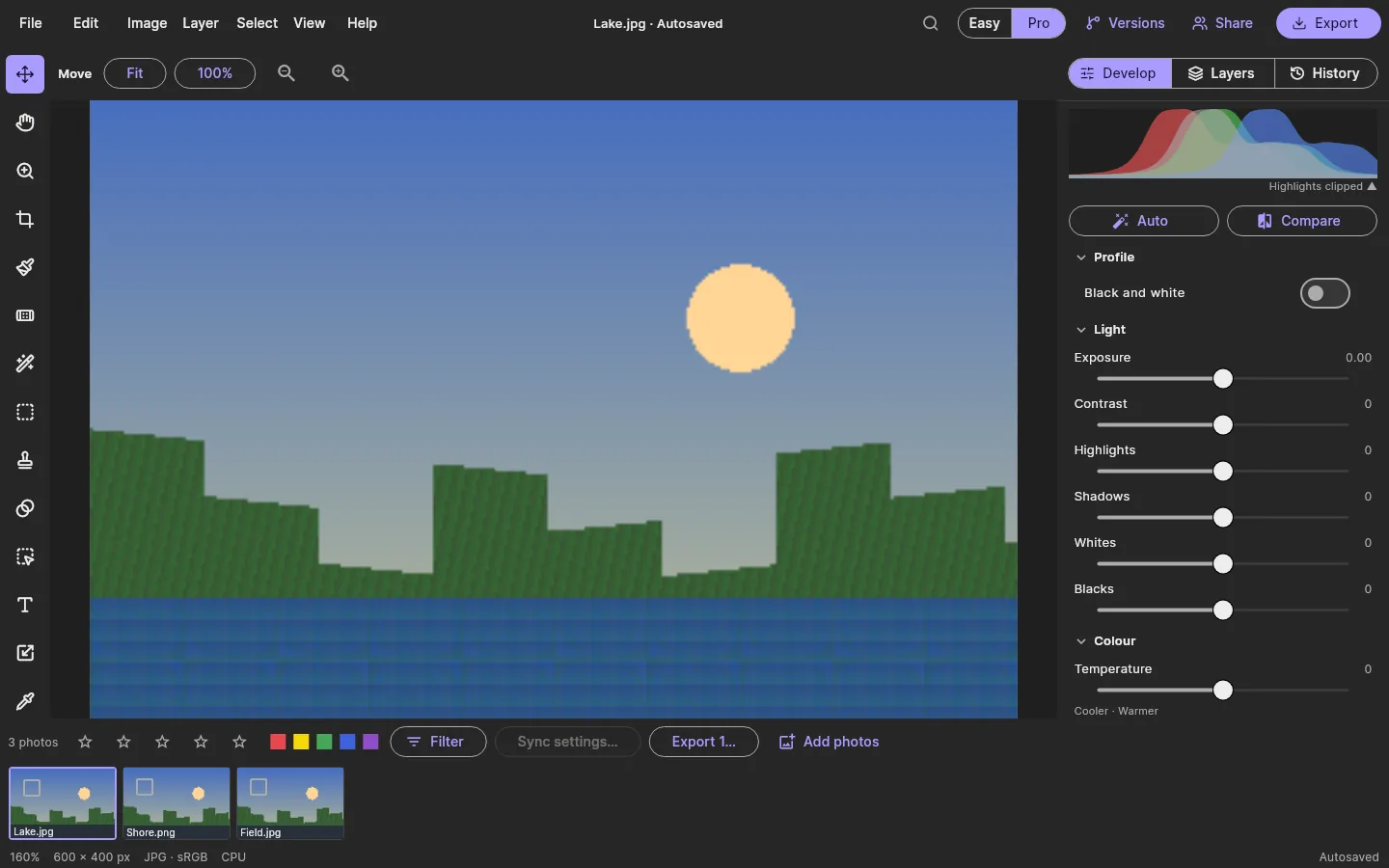
Exposure, white balance, highlights and shadows, contrast, colour mixer, detail, lens and effects, on RAW and on any other photo. The RAW stays untouched inside the file, so every slider can be changed later. Pull Highlights down to bring the sun back, then drag the split to compare.
Drag, or focus the picture and use the arrow keys, to move the split. A synthetic scene with RAW-like headroom, developed by a few lines of script, not Photos' engine.
RAW, in the installer
First buildCamera RAW is read by a separate component (rawler, LGPL) that ships beside Photos as its own replaceable file, with its licence in the installer and in About, and its exact source on avlory.com.
Cameras tested
PartlyNikon NEF is tested with real files. Canon, Sony, Fujifilm and other makers are decoded, but not tested here yet.
One self-contained file
First buildAn .avphoto made from a RAW keeps a copy of the RAW inside, so it's one file to send or move.
Lens corrections
PartlyDistortion and lens vignetting by hand. A lens-profile database isn't decided yet.
Measured on Photos' 4-core development VM with no graphics card, so on the processor path, while other builds shared the machine: pessimistic and noisy. The RAW was a synthetic 6000 × 4000 DNG, read in the app's own process. The 16 ms slider target belongs to the graphics-card path, which hasn't been measured on a real graphics card yet. avlory-photos bench-raw; cargo test --release -p avlory-photos-ffi --test engine -- --ignored latency
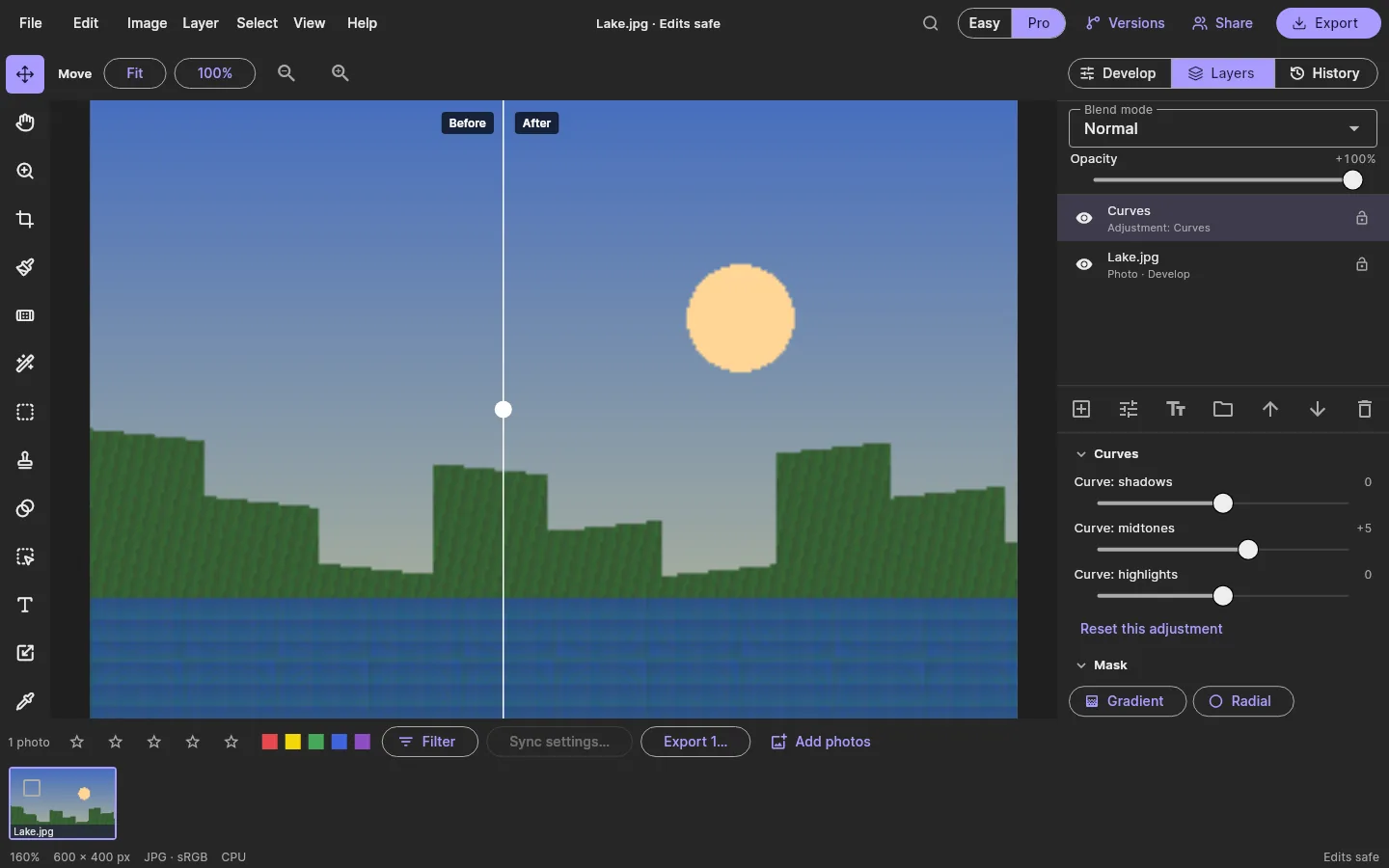
Every edit a layer you can change.
Pixel, adjustment, text, fill and group layers; eleven adjustment kinds; all 27 of Photoshop's blend modes, so PSDs look the same both ways; masks from a gradient, a radial or a brush, and selections that become masks. Darken the sky with a Curves layer, then drag on the picture to move its gradient mask.
Drag from where the effect is full to where it fades out. Arrow keys move the mask when the picture has focus.
- Curves adjustment · gradient mask
- Lake.jpg photo · develop
Measured with avlory-photos bench on the shared 4-core development VM, on the processor: a 6000 × 4000 JPEG under 20 layers (18 adjustments of nine kinds and Curves on top), 30 slider moves. The colour difference comes from the engine's reference harness; anything under 1 is too small to see. A slider lower in a 20-layer stack is slower on the processor, because every layer above it is drawn again; the graphics-card path is meant to fix that, and isn't measured on a real graphics card yet.
Heal it once. It stays healed.
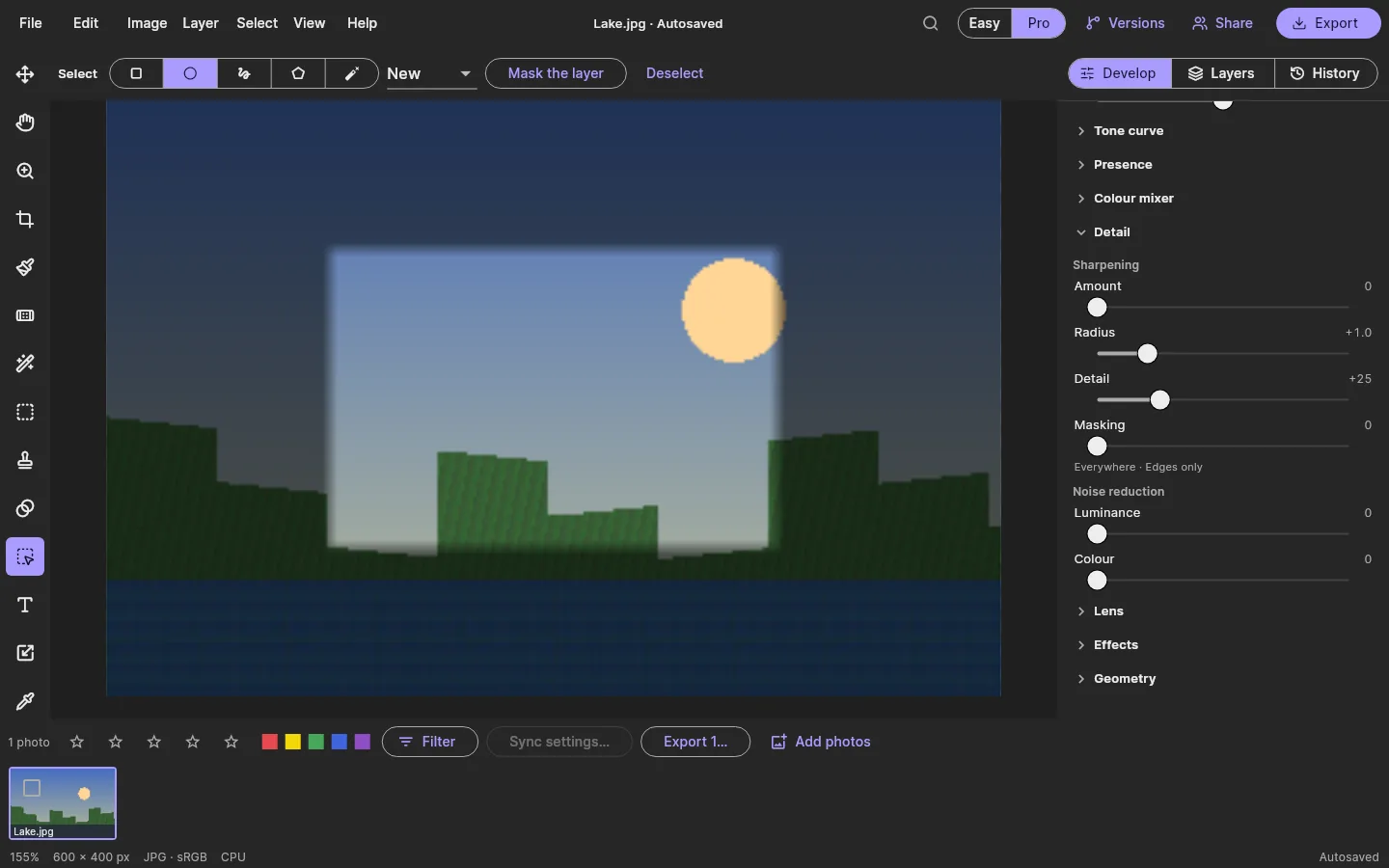
Spot heal, heal, clone and patch, with a membrane solve that blends the borrowed texture into its new place. As in Photoshop, heals go into the pixels of a Retouch layer just above the photo; editable Lightroom-style spots come later. Click the dust spots to heal them, then try Clone on the sky to see why the blend matters.
Keyboard: arrow keys move the brush, Enter heals. The demo runs a small membrane solve on your device, not Photos' engine.
- No heals yet.
- Retouch pixels · heals and clones
- Lake.jpg photo · develop
Spot heal
First buildA click finds clean texture nearby. Tested on gradients, where a bad blend shows first.
Heal, clone and patch
First buildSingle spots or strokes; Alt-click or Set source picks where texture comes from; Patch is drawn round the problem.
Crop and straighten
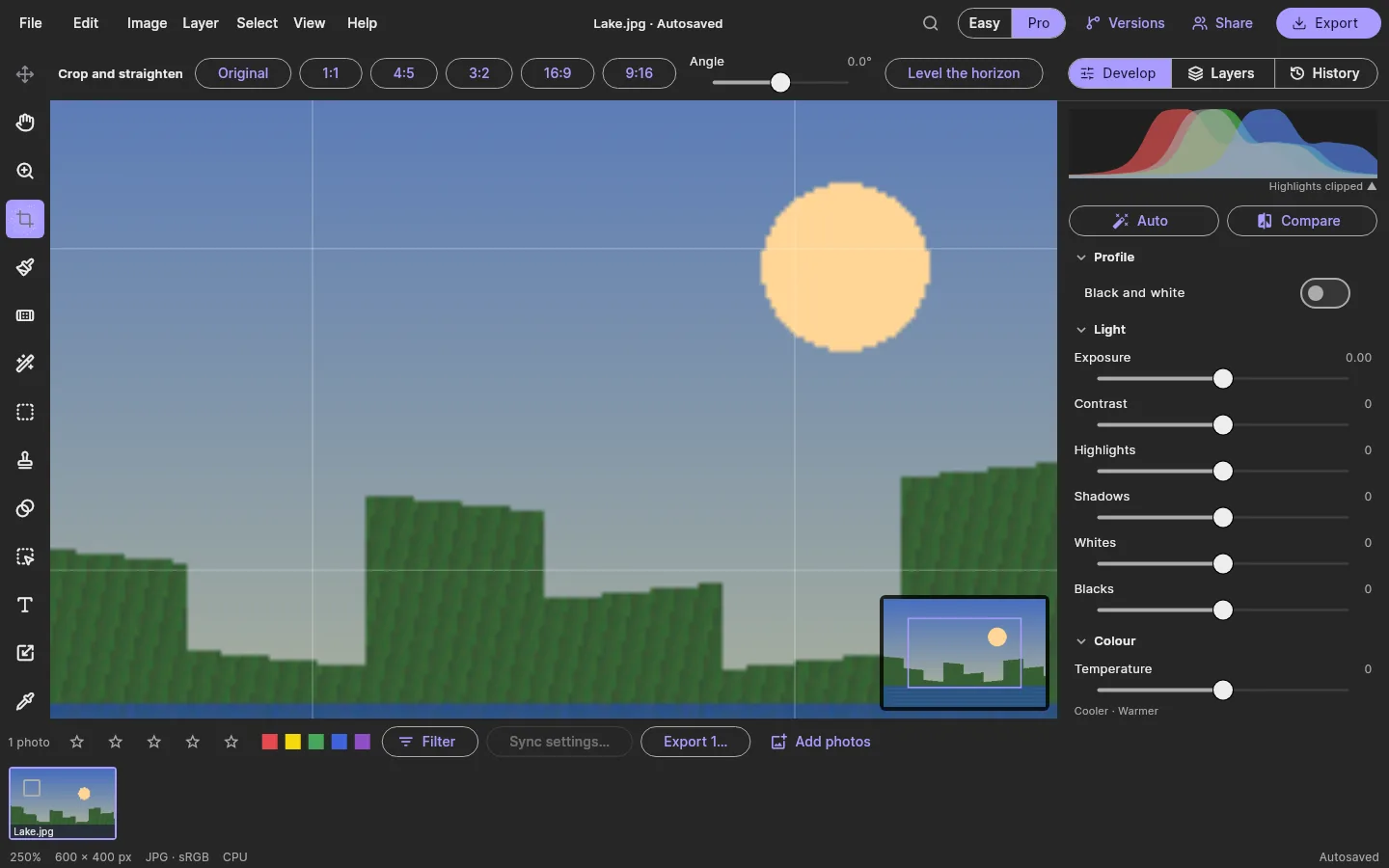
First buildRatios, an angle, and Level the horizon, which finds the horizon by rule, not AI. Non-destructive.
Brushes
First buildSize, hardness, opacity, flow and pen pressure, on pixel layers and masks.
Easy writes layers. Pro can read them.
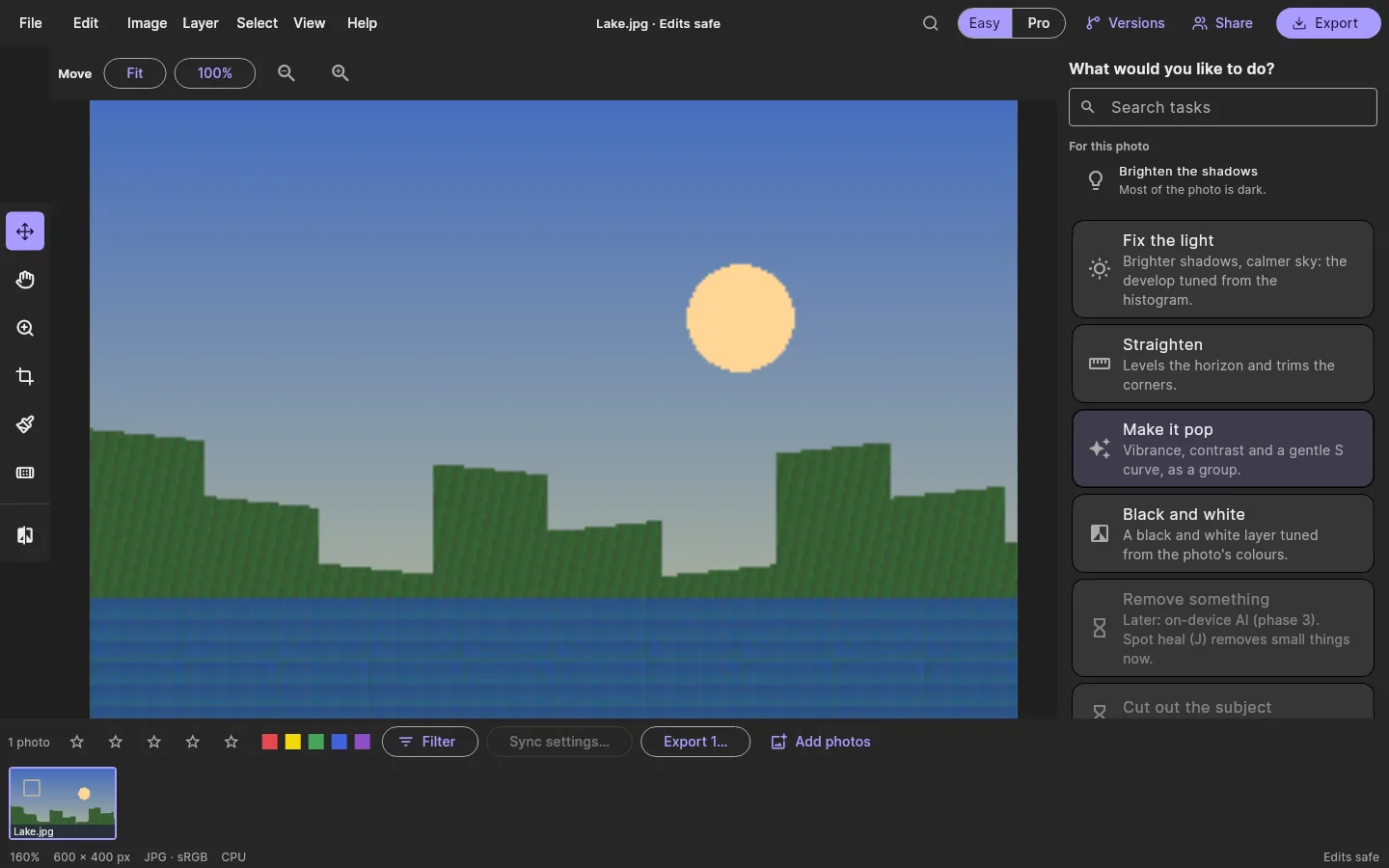
Easy shows tasks instead of tools. Each writes the same ordinary layers and develop settings that Pro shows, so you can start in Easy and finish in Pro. Turn the tasks on and off and watch what Pro would see.
For this photo: Brighten the shadows. Most of the photo is dark.
No AI in this build yet
- Subject and sky select, remove, fill, denoise and upscale are planned as on-device AI in phase 3. Nothing will be uploaded, and generated pixels will be marked.
- No permissively licensed model was available to run on the device for this build, so none was added. The Easy cards say so.
- Auto, Fix the light and Level the horizon are rule-based: they read the histogram and the picture, they don't learn from it.
Every version kept. Two editors at once.
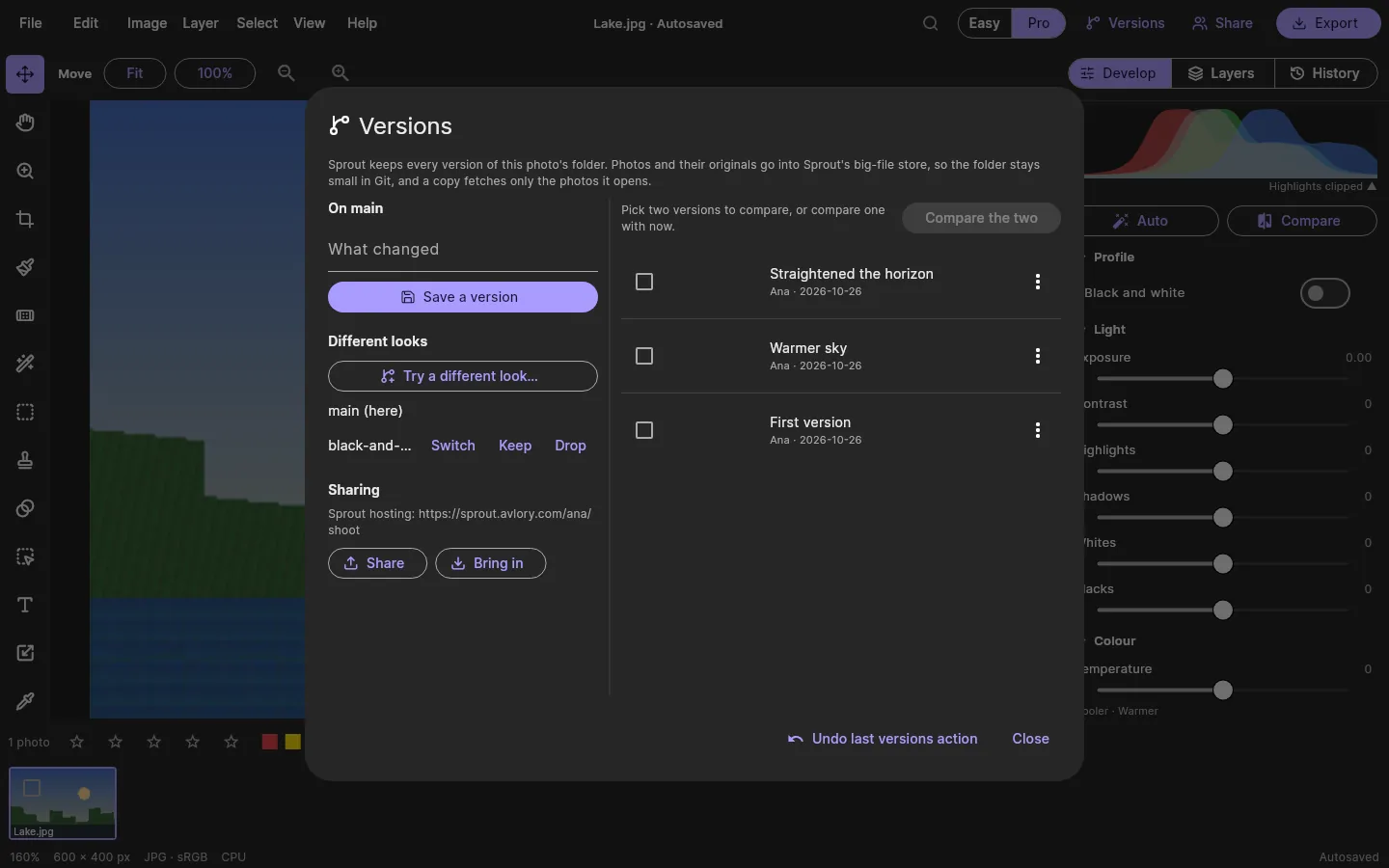
Sprout, Avlory's version control, is built into Photos. Save a version with a message, try a different look on its own line, and compare any version with now, side by side or overlaid with a slider, with the changed areas outlined. Pick a version to compare.
Left: the version. Right: now. Changed areas are outlined.
Big files stay out of Git
First buildPhotos, originals and camera RAWs go into Sprout's big-file store; a copy fetches only the photos someone opens.
Go back without losing
First buildGoing back to a version keeps what was there as a version first. The last versions action can be undone.
Edit together
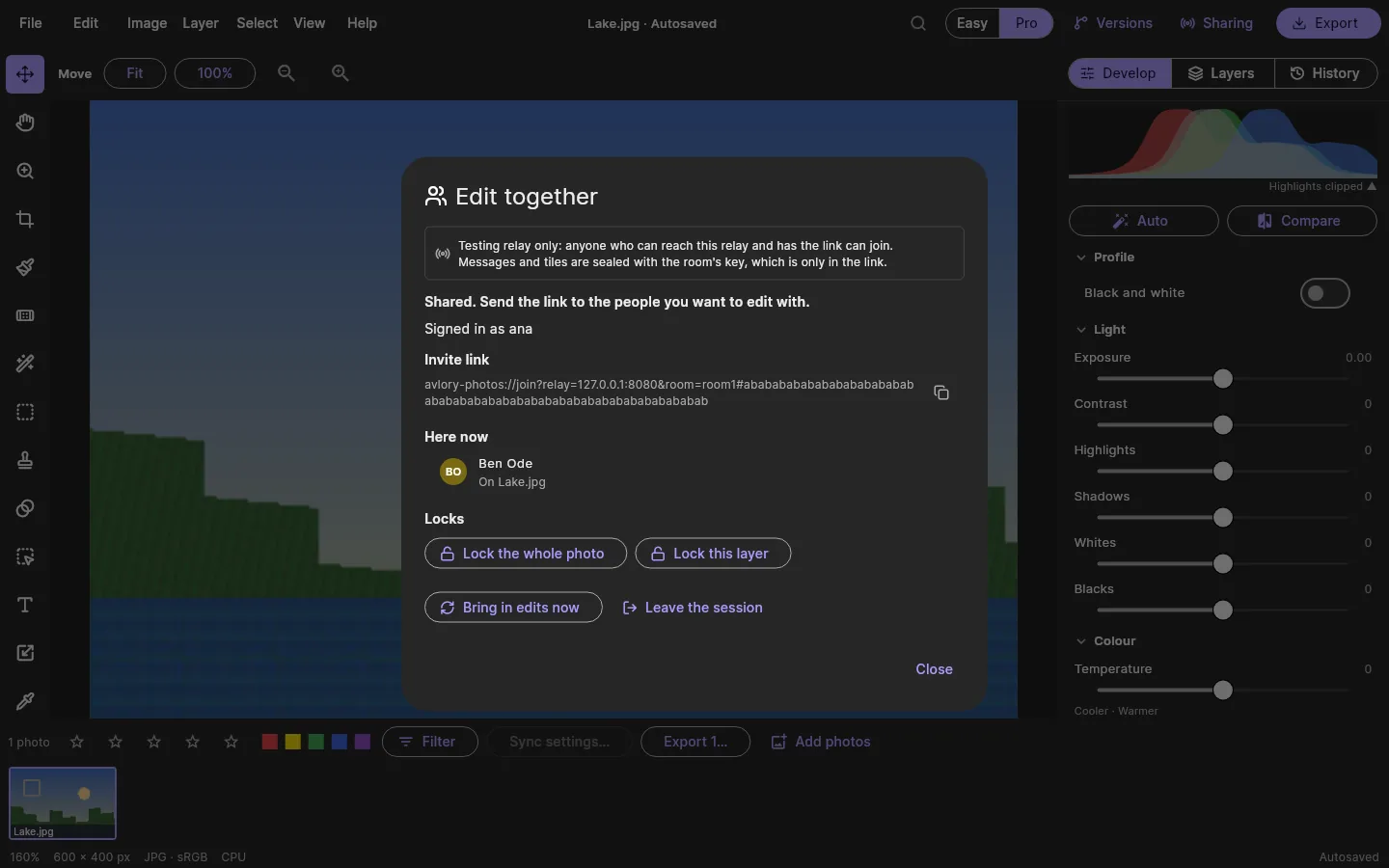
Testing relayShare opens a session: faces on the layer each person is on, locks on the photo, a layer or an artboard, and undo that takes back only your own edits.
Sealed, and safe to drop
Testing relayMessages and painted tiles are sealed with the room's key. A dropped connection loses nothing, and after a crash, Rejoin the session picks it up.
Editing together runs on a testing relay
- Two people editing one photo is tested through a testing relay only. The real relay behind Avlory ID, with invited people checked by the server, isn't built yet.
- Versions shared to Sprout hosting or GitHub carry big files only through Sprout hosting; that hasn't been run against a Sprout server yet.
Photoshop files in. Your location out.
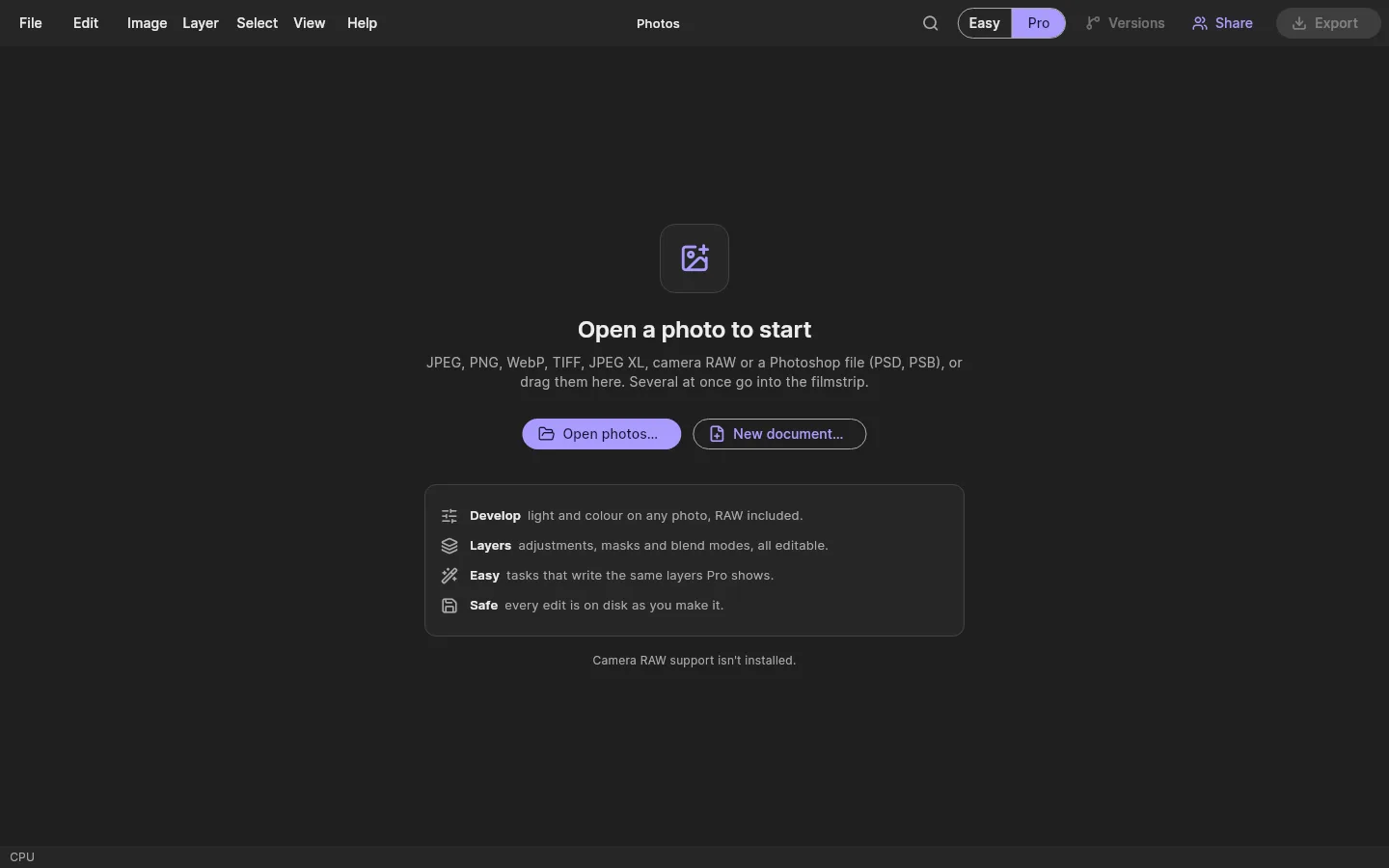
Photos opens and saves PSD with a report of anything that didn't carry across. Exports come in several sizes at once, with the location stripped by default, and an export never overwrites a file. Nothing is added to an export unless you choose it: no watermark, no badge. Choose what to export.
Sizes are a rough estimate for a typical 24-megapixel photo; the real size depends on the picture.
| Format | Open | Save | Note |
|---|---|---|---|
| JPEG, PNG, TIFF | Yes | Yes | JPEG is encoded in strips on every core |
| WebP | Yes | Yes | Export is lossless only for now |
| Camera RAW | Yes | No | Through the bundled RAW component; kept inside the .avphoto |
| Photoshop PSD | Yes | Yes, 8-bit | With a report of what didn't carry across; 16-bit in the engine. PSB opens. |
| JPEG XL | Yes | No | Decoded in pure Rust |
| HEIC, AVIF | Later build | Later build | The Windows decoders aren't wired up or checked yet |
Measured with avlory-photos bench, bench-raw and bench-psd on the shared 4-core development VM, on the processor. PSD saving is slow because each adjustment Photoshop doesn't have is saved as a full picture up to it; faster saving is on the list. Opening that PSD took 3.8 to 5.4 s.
Photos and the rest of Avlory.
Photos is an editor, not a library: finished work goes where you choose, and anything Photos doesn't do opens in the app that does, through live links.
Avlory Next
PlannedFinished images go into Quill docs and other Avlory Next projects.
Canvas
PlannedCanvas opens and works with Photos files.
Stage
PlannedA presentation opens in Stage with one click; changes flow back.
Create
PlannedVideo layers open in Create; graphics come back from it.
Sculpt
PlannedTextures stay live-linked to Sculpt; renders come back as stills.
Nebula
PlannedTextures, sprites and concept art for games.
Sprout
PlannedImage versions compared side by side or overlaid.
Avlory Cloud
PlannedExport to Avlory Cloud for storage, or to your own device. Your choice.
Where Photos is today.
In development. RAW develop, layers and masks, PSD open and save, versions and editing together are in the first build, which comes to Windows first; phones and tablets follow on the same engine. Basic text is in the first build; the full text engine, vectors and page layout come in phase 2, and on-device AI in phase 3. Downloads open through the waitlist.
Tested
- On a Linux build machine with 4 processor threads and no graphics card; the Windows engine under wine.
- 182 engine tests, a 3,000-step random-action test, and 4,000 damaged files: each opened or refused with a reason, none crashed, the slowest took 130 ms.
- The app's widget, accessibility, screen and update tests, and the app against the real engine.
- Killing the app mid-session: every finished edit came back.
Not tested yet
- The Windows installer, including the bundled RAW component.
- Any number on a real graphics card.
- RAW files from makers other than Nikon.
- Editing together through the real relay behind Avlory ID.
- macOS, iOS and Android builds.
No feature moves up a tier
A saved project always opens and exports, even after a plan ends.
Never locked out offline
A failed licence check never stops editing or export.
AI never changes work silently
Every AI change is a visible, undoable suggestion in the AI ledger.
Free to start
Plans and prices are announced at launch. All the promises
Try Photos First.
Photos' downloads open through the waitlist. We'll email you when it's ready on your platform.