From a Quick Reel
to a Graded Film.
Create is Avlory's video editor. Easy is as simple as a phone editor; Pro opens the full timeline, colour, sound mix and effects, on the same project. Captions are made on your device, exports never carry a watermark, and every edit is saved as you make it in one .avvideo file. Every demo below runs in your browser; the screens are from Create itself, and every number says how it was measured.
- Windows
- Linux
- macOS
- iOS
- Android
Cut it fast. Undo it exactly.
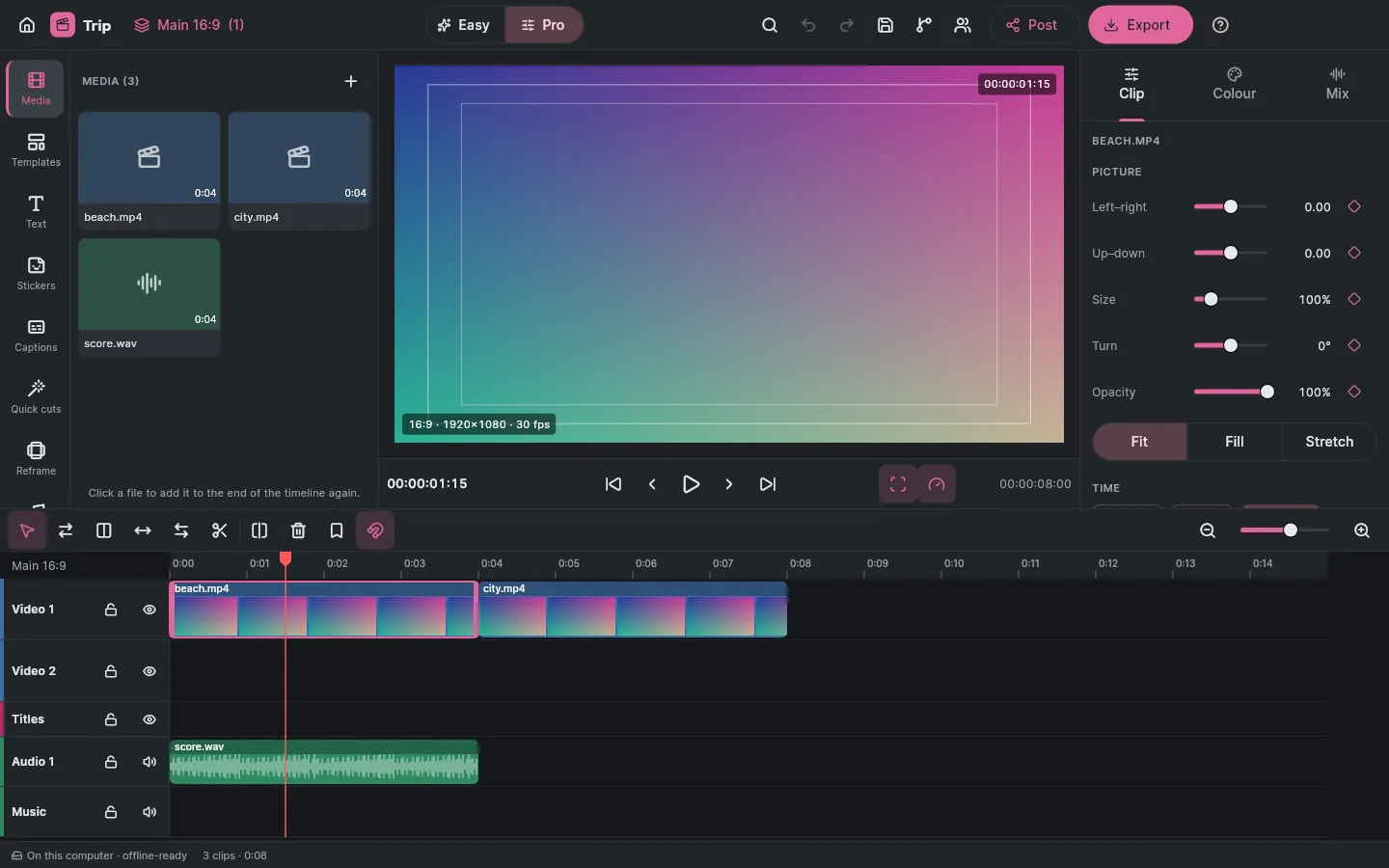
A multi-track timeline with magnetic snapping and the full set of tools: trim and ripple trim, roll, slip, slide, razor and split, speed and ramps, keyframes, fades and transitions. Every edit is journalled as you make it, so a crash loses at most the edit being made, and every undo is exact. Drag a clip's edge to trim it, split at the playhead, or press Play.
Pick a clip on the timeline.
History- No edits yet.
S and Del are Create's own keys. Trims go to the playhead. Video 1 is magnetic: when a clip there gets shorter or goes, the clips after it close the gap.
Click the ruler or drag the playhead; with the keyboard, focus the ruler and use the arrow keys (Shift for a second). Pick a clip, then use the tools or their keys.
Measured 30 October 2026 in Create's 4-core Linux build container, release build, on the processor (Create's viewer draws on the processor for now; a graphics-card viewer is planned for 4K). Opening was measured in the first build, scrubbing again after the parity pass, back to back with the build before it. Windows' own decoders aren't measured yet. The 4,000-edit test is tests/fuzz.rs. cargo test --workspace -- --nocapture in avlory_video_core
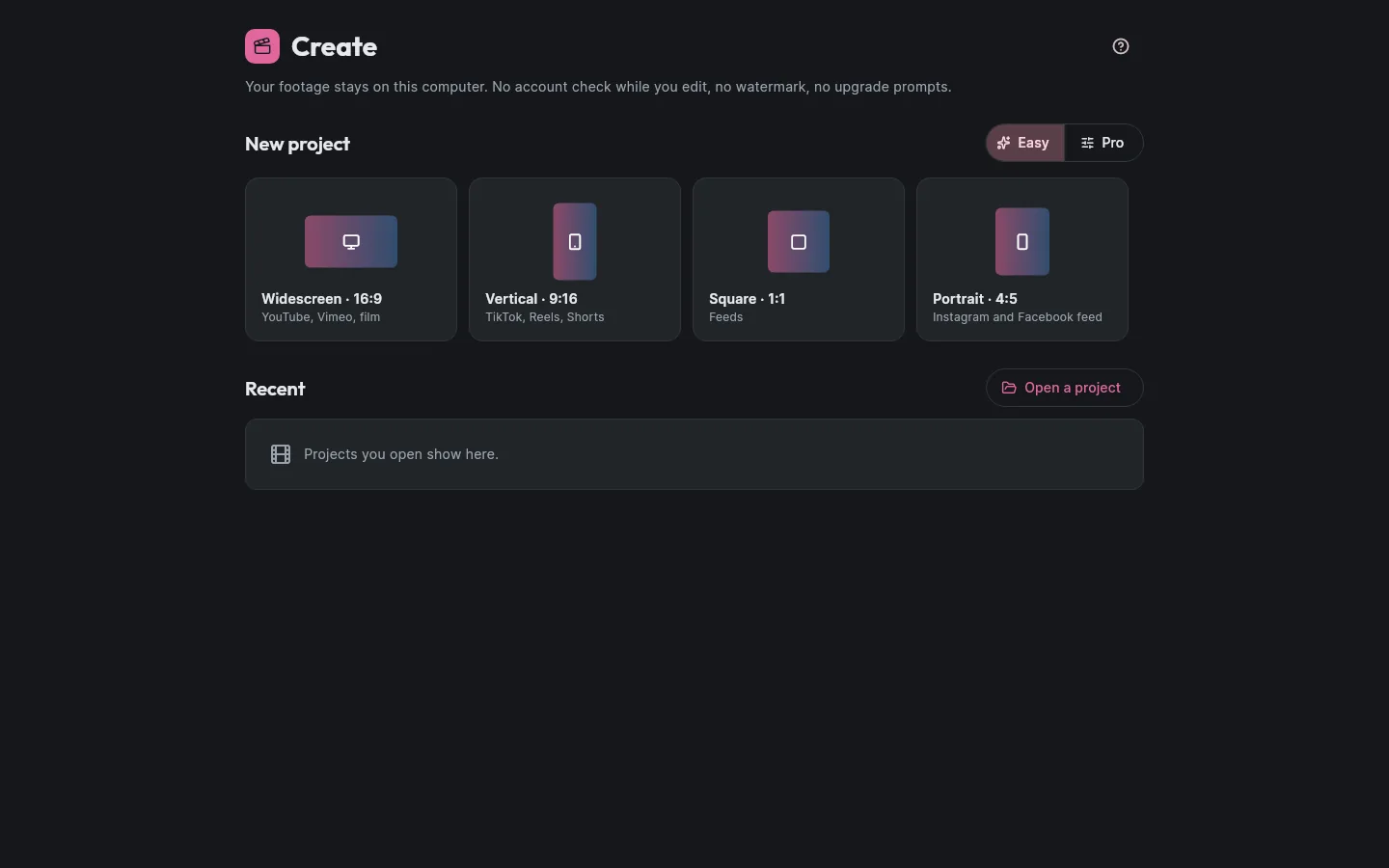
The right file for where it's going.
Presets for TikTok, Instagram, Facebook, YouTube, Vimeo, UpNext and your computer, with a pre-flight check before anything is written, and AV1 for the smallest files. No watermark is ever added. Pick a preset and a length to see the estimated file size.
Sizes come from each preset's target bit rates, so they're an estimate: the real size depends on the footage.
| Footage | Opened by | Note |
|---|---|---|
| H.264, H.265 (HEVC), AAC | The operating system | Patent-pool formats are decoded only by the system, never by Create's own FFmpeg. On Windows without the HEVC extension, Create names Microsoft's free one with a button to the Store. Compiled for Windows, not run there yet; macOS and phones come later. |
| AC-3, E-AC-3 | The operating system | The same rule. |
| AV1, VP9, Opus | Create's FFmpeg component | An LGPL build from Avlory's own recipe, every source SHA-256-checked, loaded at run time and never linked. |
| PNG, JPEG, WAV, FLAC, Y4M, MJPEG AVI | Create's own readers | No component needed. |
Measured 30 October 2026 in the 4-core Linux build container, release build, with SVT-AV1 at preset 8 in Create's own FFmpeg build. The picture was a simple test pattern, so real footage will be slower. Windows' own H.264 and H.265 encoders aren't measured yet.
Posting waits on each platform
- Direct posting is built into the Post panel, but every destination says “Waiting for approval” until its platform approves Avlory's app. Meanwhile, Export for it makes the right file.
- UpNext's video service, which posting to UpNext needs, isn't built yet; its limits here are proposed.
- Sign-in keys for each platform will live only in your system's keychain, never in a file or on Avlory's servers.
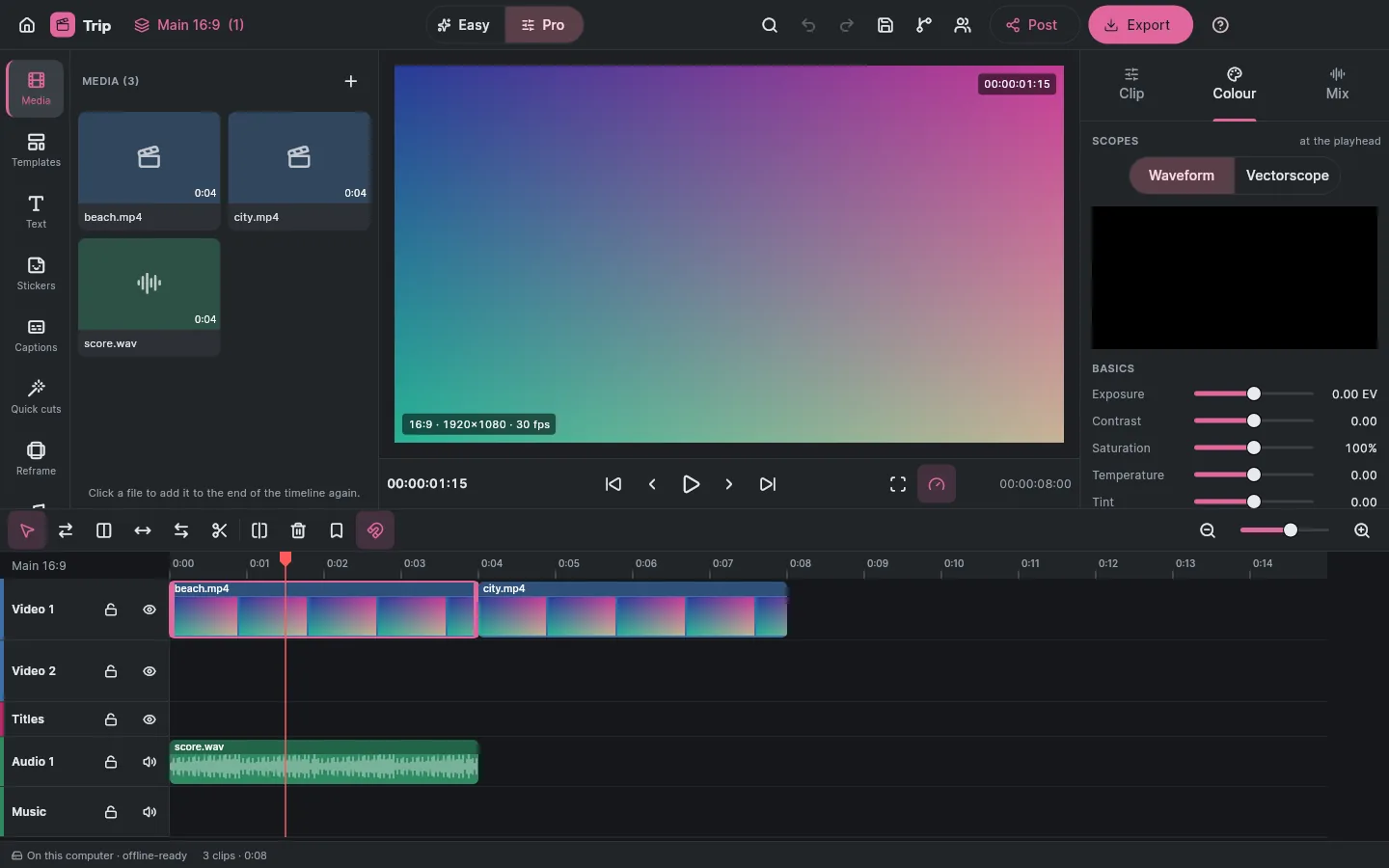
Grading built in, with scopes.
Exposure, contrast, saturation, temperature and tint; lift, gamma and gain wheels with level sliders; a master curve; .cube LUTs with a strength; and a waveform and vectorscope of the frame at the playhead. Drag a wheel's dot to tint the shadows, midtones or highlights, and watch the scope.
Drag a dot, or focus a wheel and use the arrow keys. Double-click or press 0 to centre it.
LUTs
First build.cube, 3D up to 129 points or 1D, with a strength. A damaged LUT is refused, not half-loaded.
Masks and keys
First buildEllipse and rectangle masks, feathered and keyframed; green or blue screen with spill removal.
Stabilise and track
PartlyStabilisation shifts and zooms; a followed point carries text or a sticker. Rotation, planar tracking and subject masks come later.
HDR
Not yetHDR footage shows and exports as standard range, with a note when it comes in. Exports are tagged BT.709.
Measured 30 October 2026 in the 4-core Linux build container, release build, on the processor, at viewer size (640 × 360). The scopes are drawn on the processor too.
Loud enough, everywhere it plays.
Create mixes through the same audio engine as Avlory Sound: volume, pan, mute and solo, fades, an EQ, a compressor and a noise gate per track, and a loudness meter. Each social preset brings the export to the loudness that platform plays at. Mark the music to duck under the dialogue, then pick where it's going.
An example mix with example meter readings, to show what normalising does. Create's meter measures the real thing (BS.1770, EBU R128).
Send dialogue to Voice
First buildA clip's sound becomes a .voice file; bring the cleaned version back and it sits under the clip, with the clip's own sound turned off.
Music from Sound
First buildSound's render or its stems come in as WAV or FLAC, a track per stem.
Loudness per destination
First build−14 LUFS with peaks under −1 dBTP for TikTok, Instagram, Facebook, YouTube and UpNext; −16 for Vimeo; the computer presets keep your mix. You can change it.
Pitch kept at any speed
First buildSped-up or slowed sound can keep its pitch, and playback sounds the same as the export.
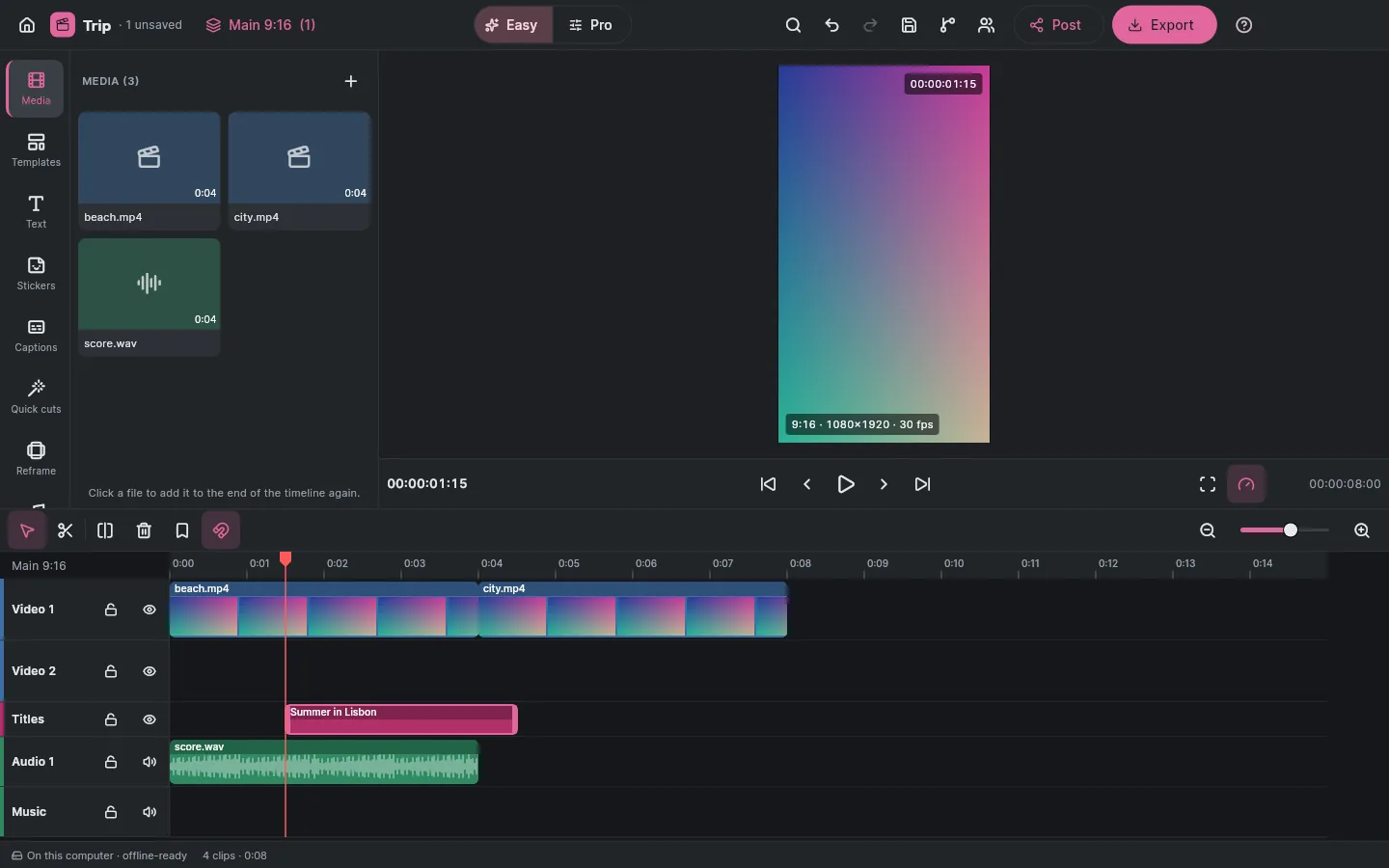
Suggestions, never silent changes.
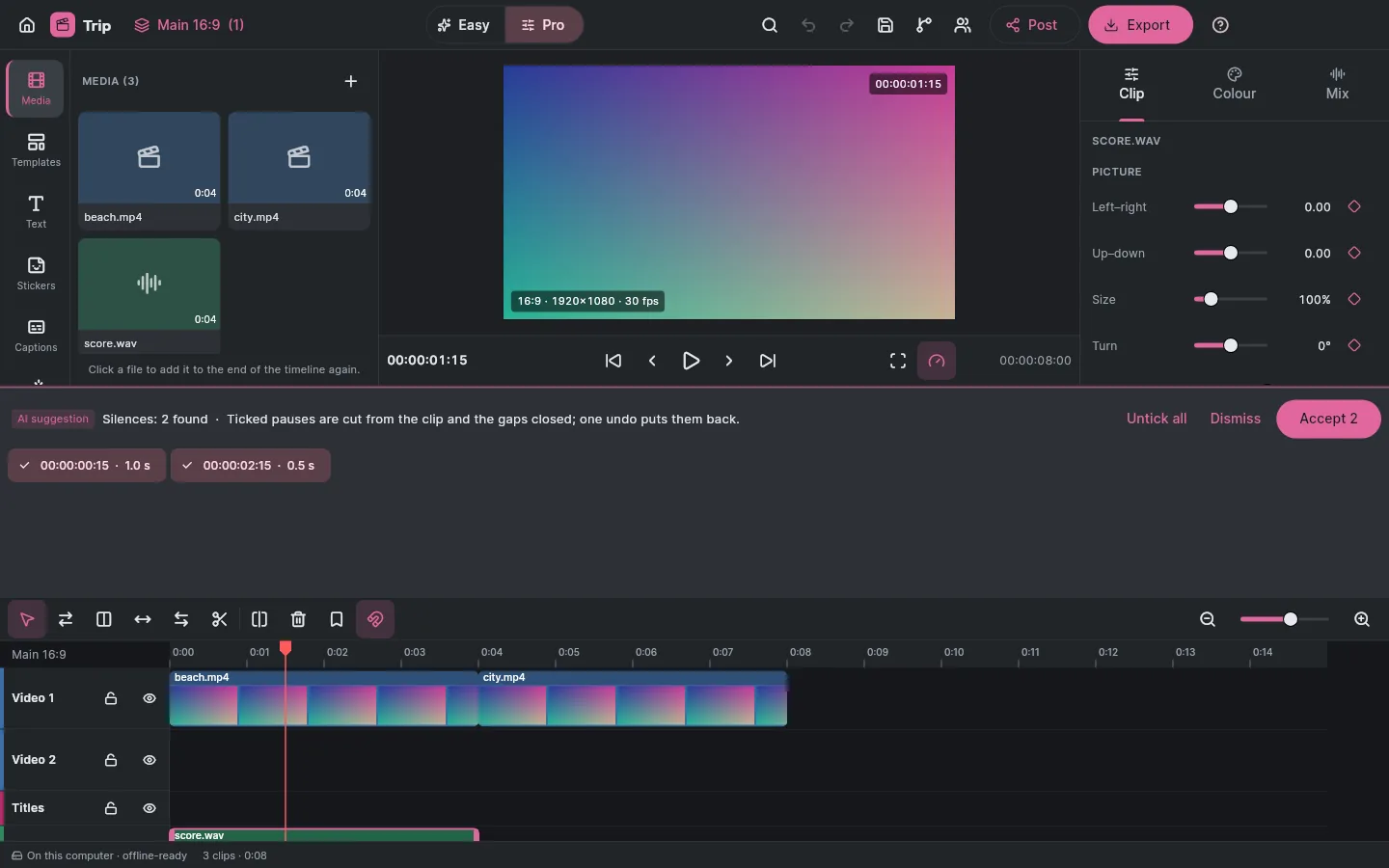
Captions are made from speech on your computer, by the same Whisper model Voice uses. Silences, scene cuts and filler words come as suggestions in a review panel: nothing changes until you accept, which is one undo and a line in the project's list of AI changes. Edit by text: pick words in the transcript and cut them from every track at once.
Each word is a button: pick words to cut them yourself. Dotted words are filler-word suggestions.
Ticked words are cut from every track and the captions; one undo puts them back.
On your computer
First buildThe speech model downloads once, with your say-so and its size shown first, and is checked against Avlory's published SHA-256 before every use.
SRT and WebVTT
First buildCaptions in and out, on their own track, as one undoable edit.
Quick cuts
First buildRemove silences, cut at scene changes, cut every 2 s, split at the playhead: each reviewed before anything changes.
Find anything
First buildCtrl+K searches about 120 commands, tools and effects, each with its shortcut.
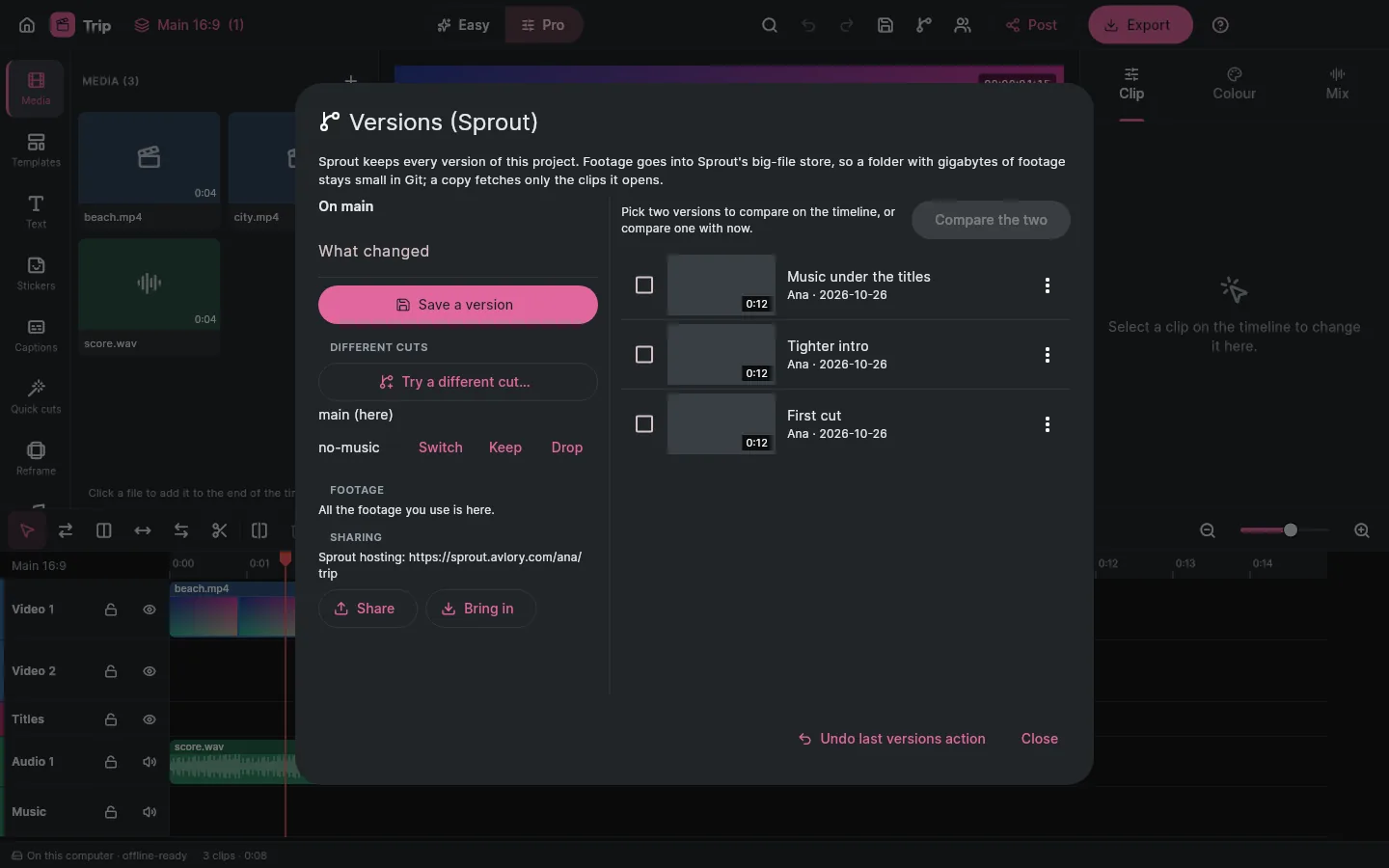
Try another cut. Keep the one you like.
Sprout, Avlory's version control, is built into Create. Footage goes into Sprout's big-file store, so a folder with gigabytes of footage stays small; a copy fetches only the clips it opens. Compare two versions on the timeline: changed clips are outlined and removed ones show as red ghosts.
- Changed
- Added
- Removed
Pick two to compare, or compare one with now.
Try a different cut
First buildOn its own line: switch to it, keep it (it comes into the line you're on) or drop it. The last versions action can be undone.
Go back safely
First buildGoing back to a version saves what was there as a version first.
Edit together
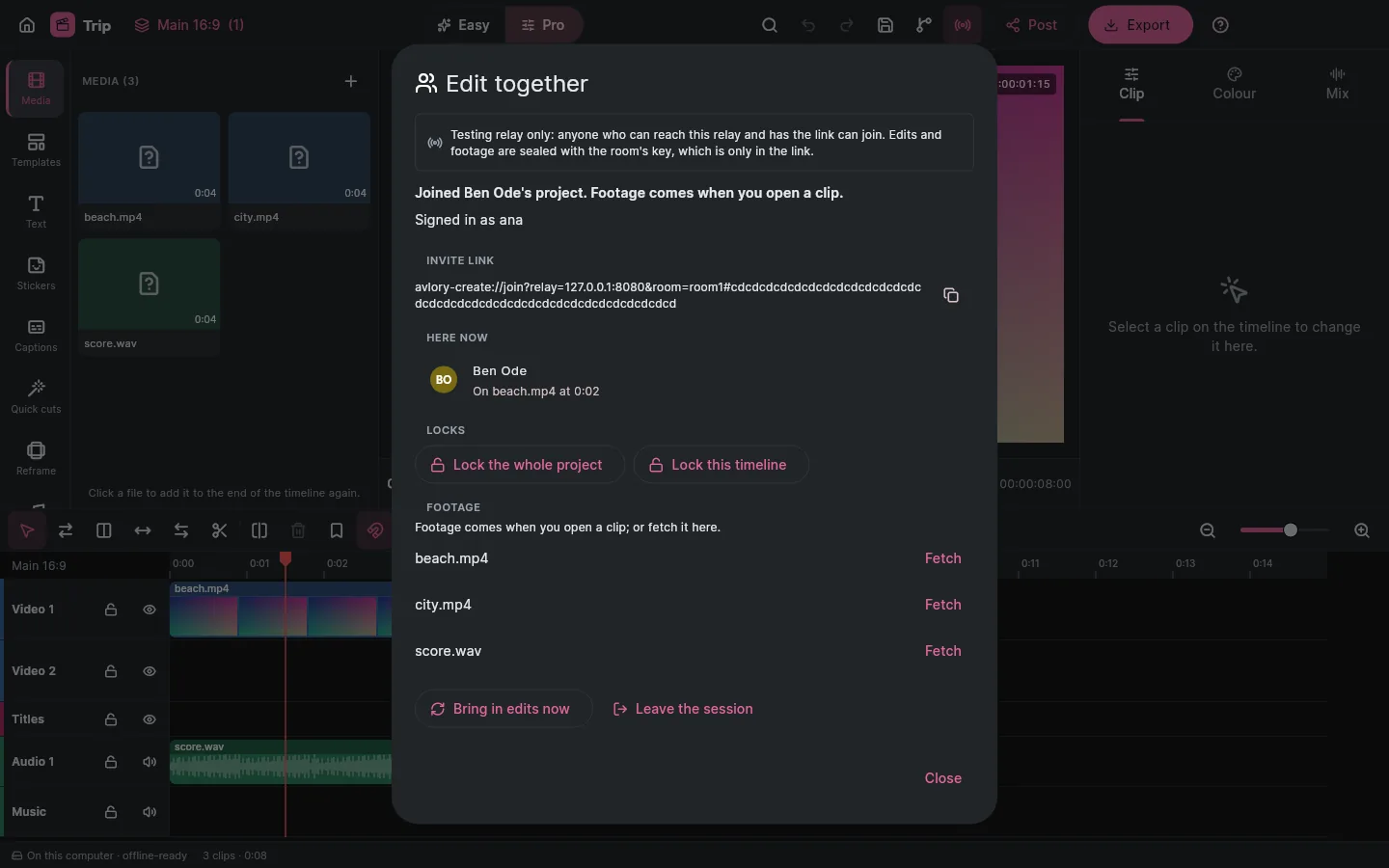
Testing relayFaces on the clip each person is on, locks on the project, a timeline or a clip, and undo that takes back only your own edits.
Footage on demand
Testing relayFootage travels sealed through the relay's store, and each editor fetches only the clips they open. A dropped connection loses nothing.
Editing together runs on a testing relay
- Two people editing one project is tested through a testing relay only, and every panel says so. The real relay behind Avlory ID, with invited people checked by the server, isn't built yet.
- Footage between versions on different computers needs Sprout hosting; a plain Git remote carries only the pointers. That hasn't been run against a Sprout server yet.
Create and the rest of Avlory.
Create posts where your audience is and pulls in the other Engine apps for the parts they do best.
UpNext
PlannedPost straight to UpNext from Create's Post panel. Create's side is built; UpNext's video service is being built.
TikTok, Instagram, YouTube and more
In a first buildExport presets for each. Posting directly turns on as each platform approves Avlory.
Voice
PlannedDeep dialogue cleanup opens in Voice.
Sound
PlannedMusic opens in Sound.
Photos
PlannedGraphics open in Photos.
Sculpt
Planned3D titles open in Sculpt; renders come back.
Nebula
PlannedCutscenes and trailers for games.
Waverate
Not plannedWaverate doesn't stream video, so there's no Waverate posting.
Where Create is today.
In development. Easy and Pro, the timeline, colour, the mix, captions, export, versions and editing together are in the first build, which comes to Windows first; phones follow on the same engine, and the browser later. Downloads open through the waitlist.
Tested
- On a Linux build container with 4 processor cores.
- 72 engine tests and 36 app tests, including 4,000 random edits with exact undo, the journal after a crash, damaged media and project files, and every AI tool changing nothing until accepted.
- Create's own FFmpeg build: AV1 written and read back, and H.264 refused with the codec named.
- The Windows engine compiled, and its C interface run under wine.
Not tested yet
- Windows' own decoders and its H.264 and H.265 export.
- The Windows app build and its installer.
- Anything at 4K, and a graphics-card viewer, which isn't built yet.
- Direct posting, which waits on each platform's approval.
- macOS, iOS and Android builds.
No feature moves up a tier
A saved project always opens and exports, even after a plan ends.
Never locked out offline
A failed licence check never stops editing or export.
AI never changes work silently
Every AI change is a visible, undoable suggestion in the AI ledger.
Free to start
Plans and prices are announced at launch. All the promises
Try Create First.
Create's downloads open through the waitlist. We'll email you when it's ready on your platform.